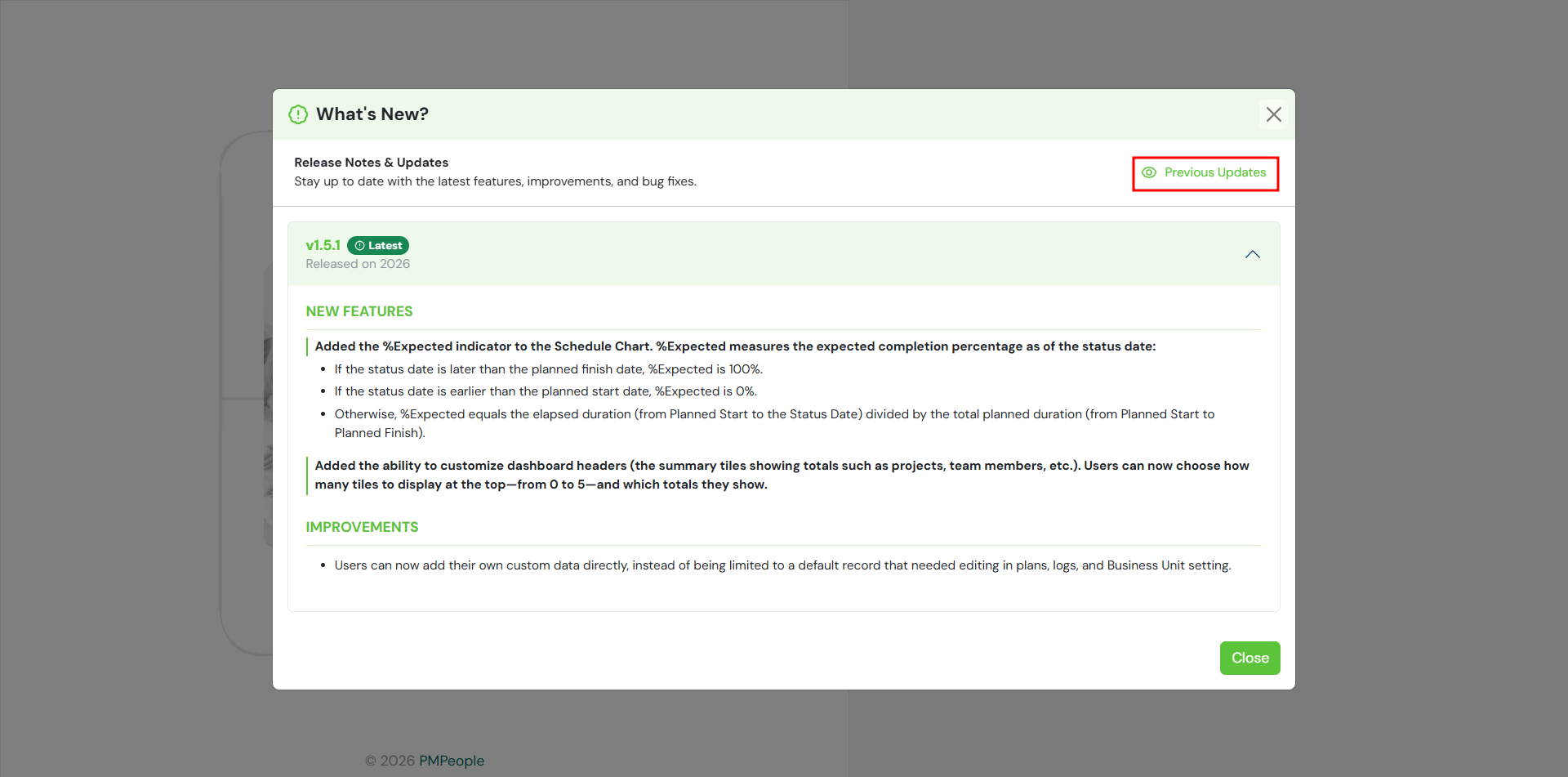
User can see the latest version update and improvement
Access the Latest Release Notes
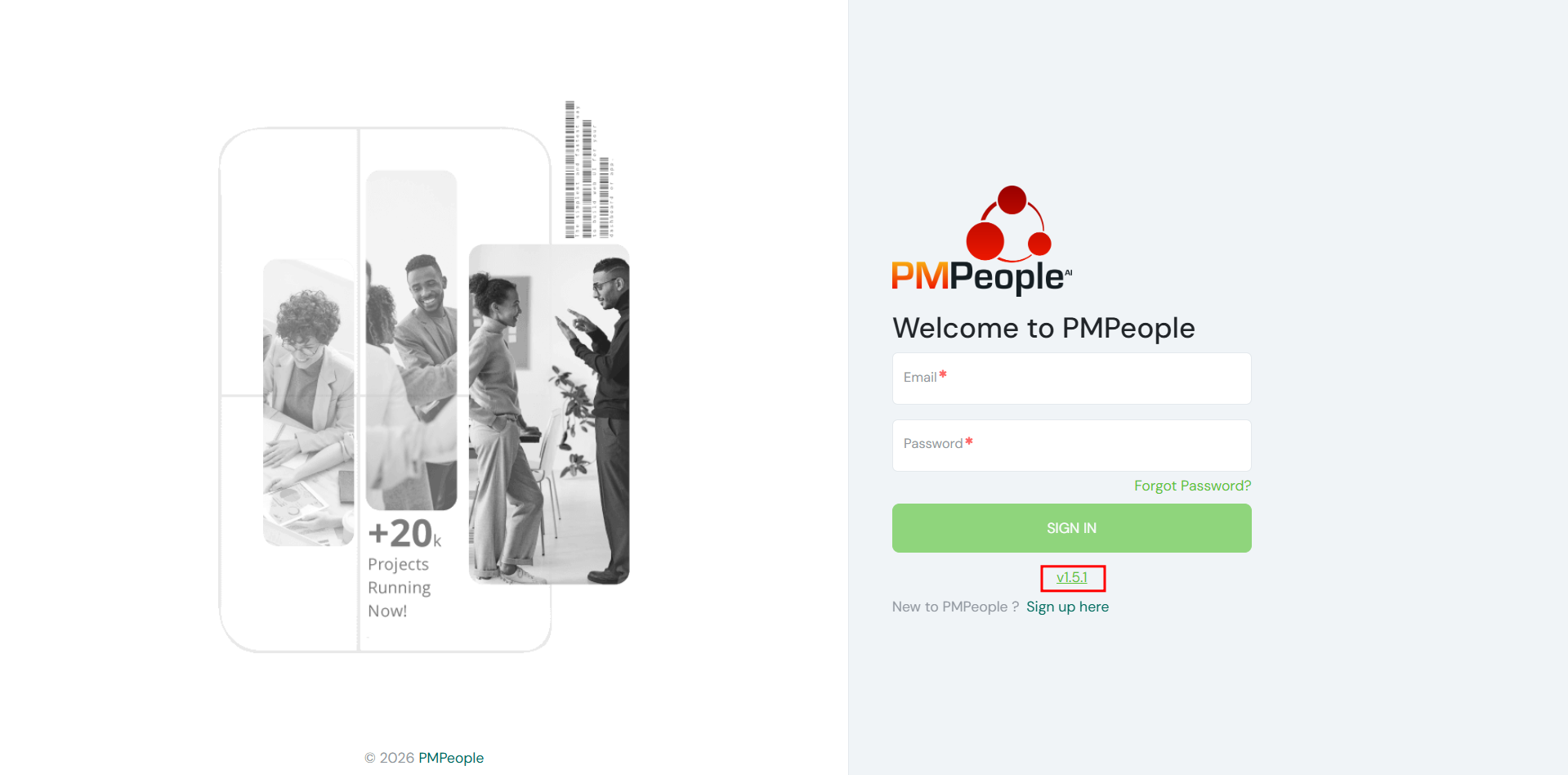
- Users can see the latest version updates and improvements by clicking the current version number at the bottom of the login screen.
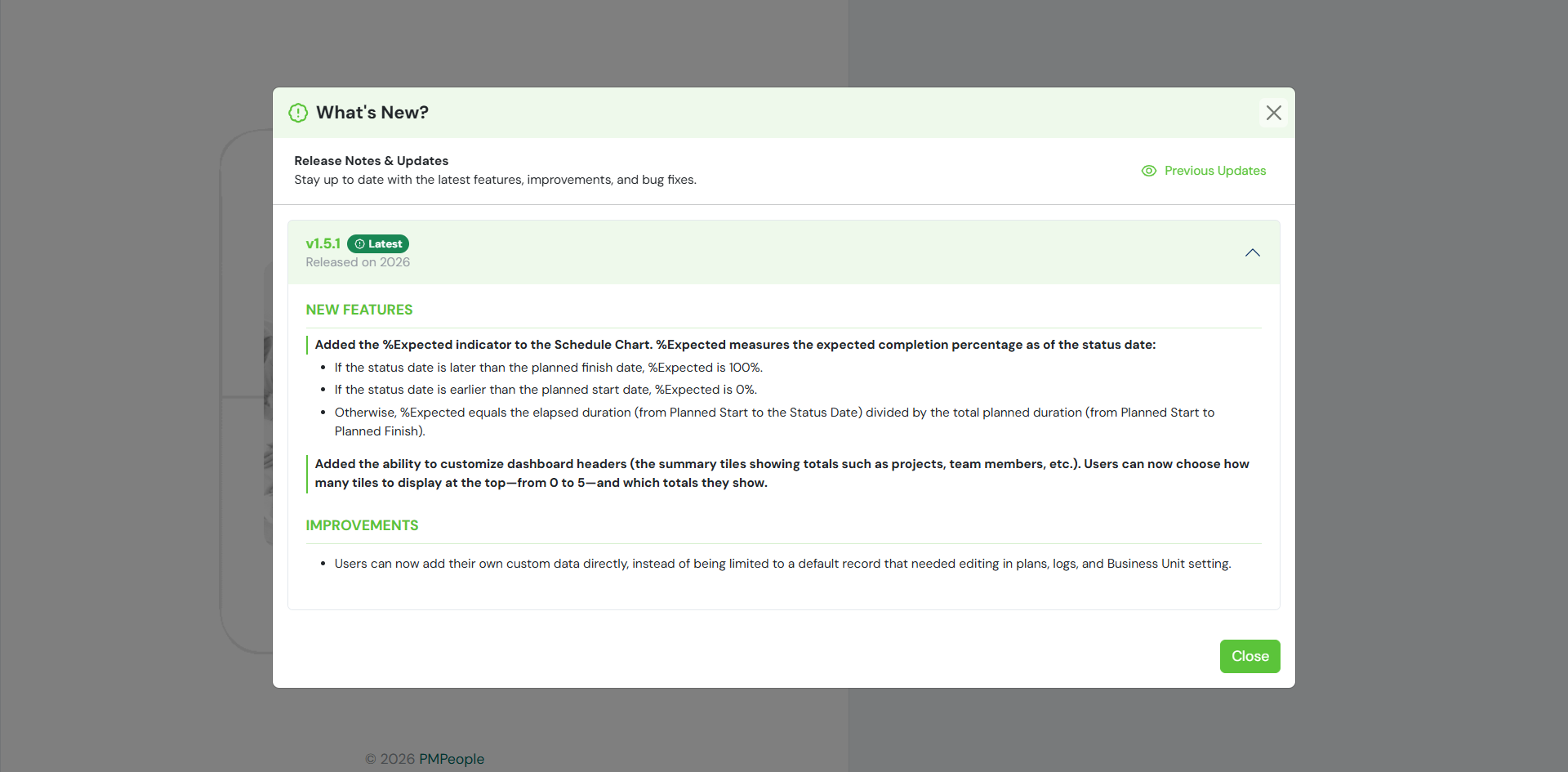
- While clicking the version link, the What’s New? panel opens automatically.
- The panel displays the newest features, system improvements, and bug fixes if any for the current release.
Browse Previous Version History
- Users can also see previous version information by clicking the Previous Updates button in the top-right corner of the panel.
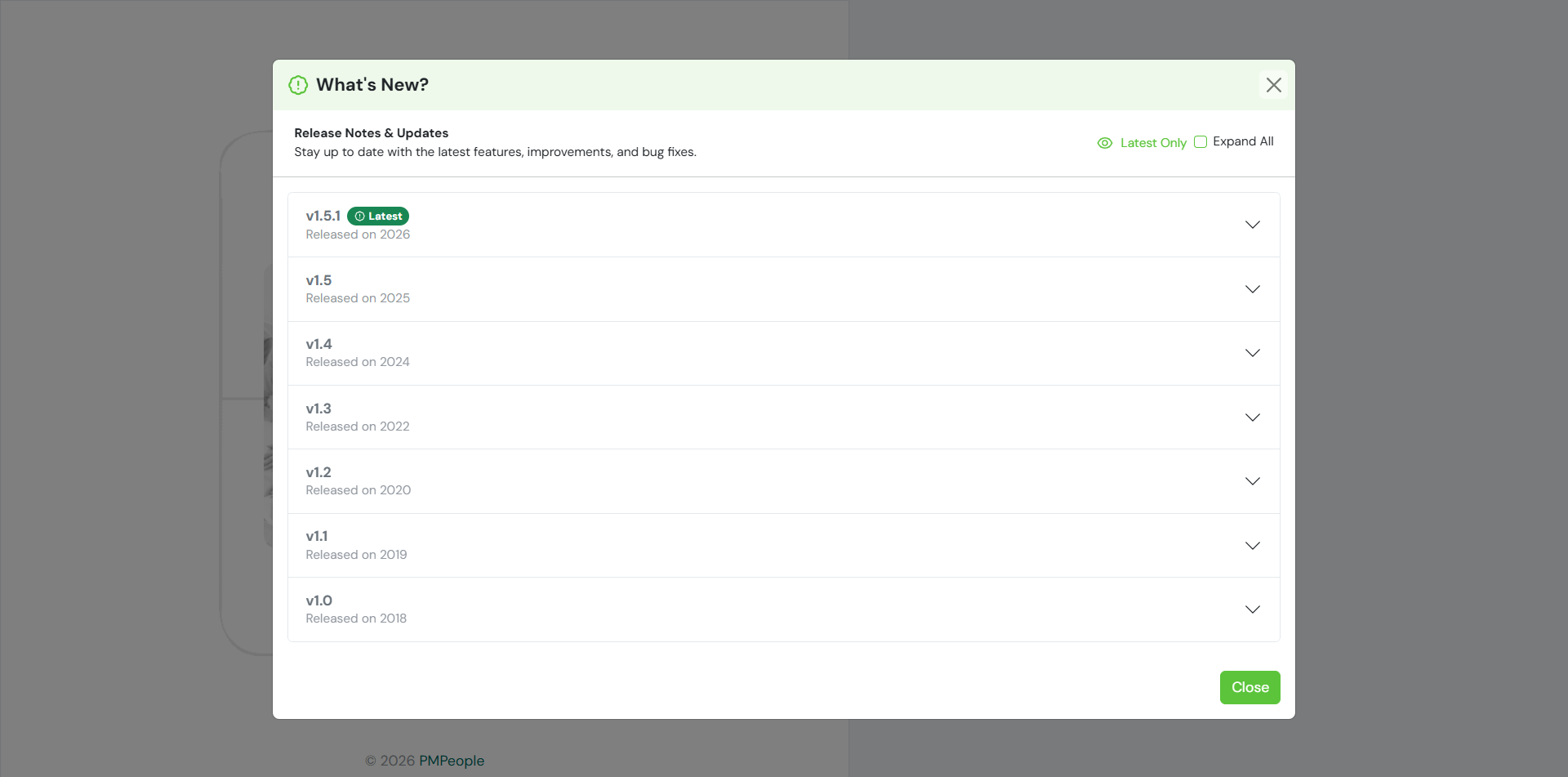
- While navigating the history list, users can expand individual releases to view detailed notes.
- The panel displays all prior versions in chronological order, along with Latest Only and Expand All view toggles for easy navigation.