As a PgM, PMO, I can create a program
Program Managers (PgM), and also PMO, can create a new program by clicking the ‘Add Program’ button. A program can be deleted by clicking the ‘Program Settings’ icon [⚙️], meaning that the program component projects will not belong to that program anymore.

Program Managers (PgM) and PMO can manage the basic information of a program.
- Name: Enter the name of the program.
- Program Manager: Select the program manager responsible for the program.
- Budget: Specify the total budget allocated to the program.
- Value: Enter the expected business value or benefits of the program.
- Portfolio: Select one or more portfolios associated with the program.
- Description: Enter a description or additional details about the program.
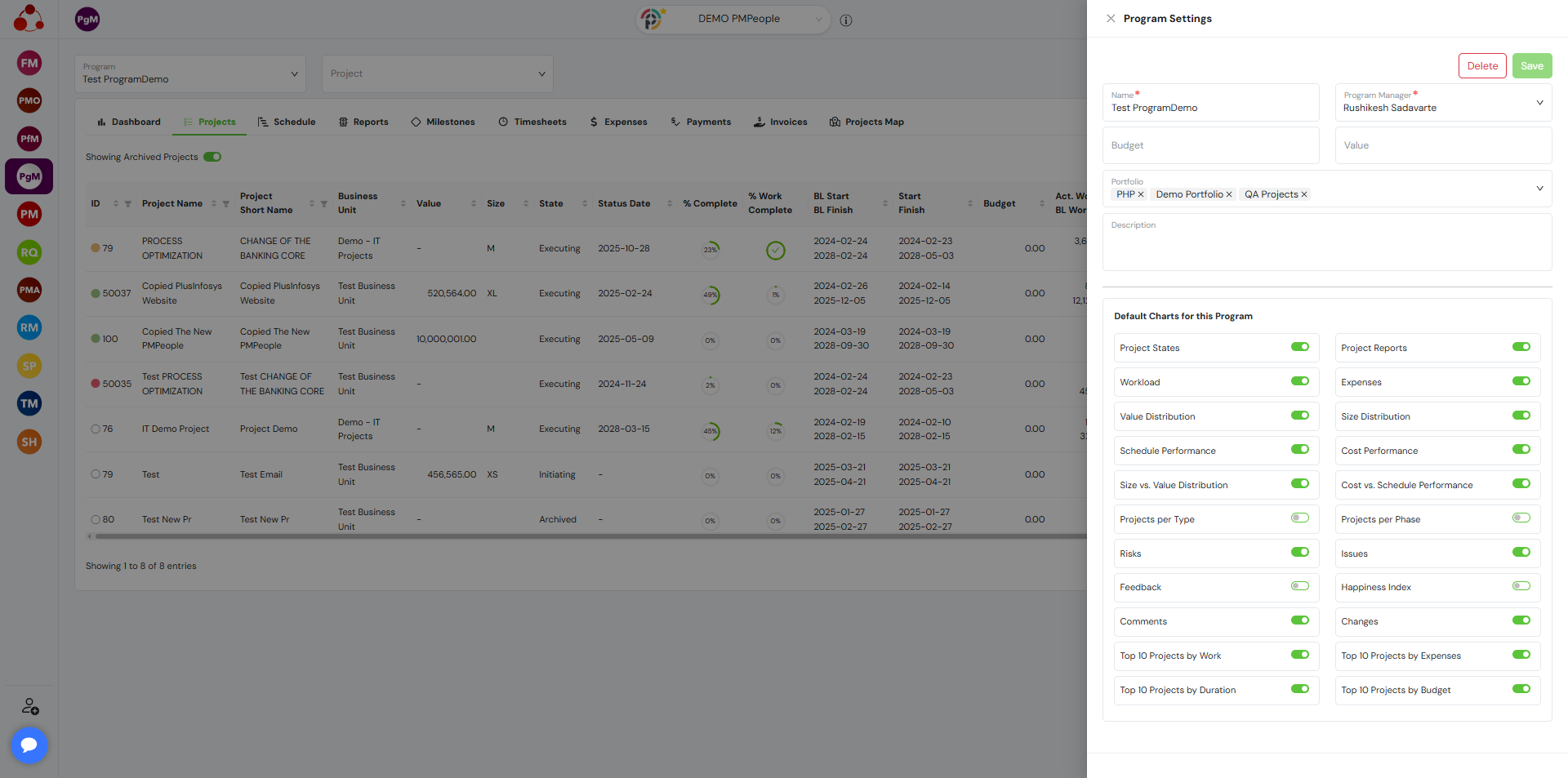
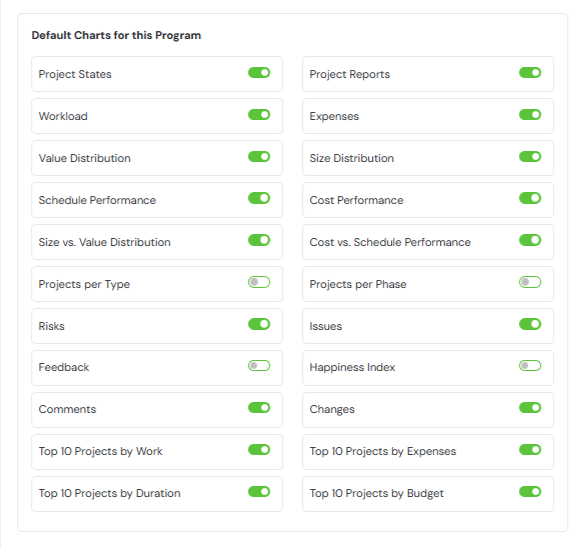
Program Managers (PgM) and PMO can set a default chart for a specific program dashboard.
Frequently Asked Questions
Who can create a program in PMPeople?
Both Program Managers (PgM) and PMOs are authorized to create programs.
How can a program be created?
Click the ‘Add Program’ button in the interface where programs are managed.
What happens when a program is deleted?
The program is removed, and its component projects are no longer associated with that program.